How to: Download Key Portfolio Data
- From the “Properties” page, click on the
 icon next to the “All Properties” header
 - A pop-up window will show key stats about the customer
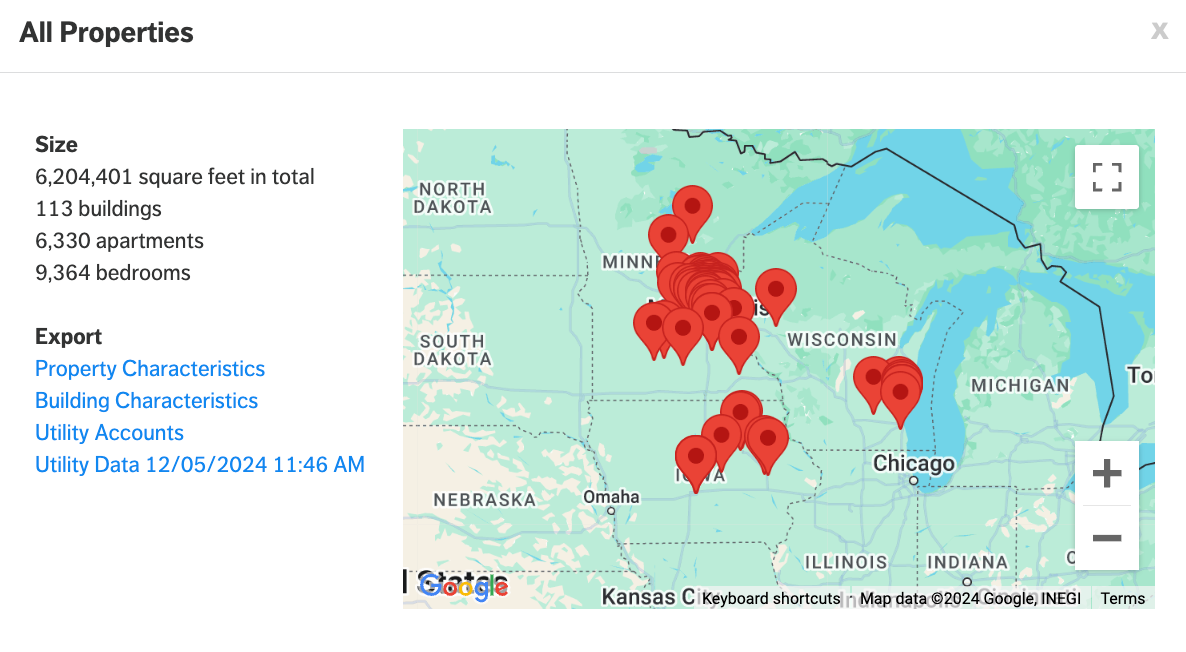
- Click on any of the blue text to download the respective exports
- Property Characteristics (details available at the property level including address, total sq ft, # of buildings, # of units and # of bedrooms).
- Building Characteristics (details available at the building level)
- Utility Accounts (utility account information including meter type and utility account numbers)
- Utility Data [Date] (all utility data available in the account at the meter level)
